
From Tracked Hours to Invoice: What dVersum Automates, and What It Does Not
Between tracked hours and a sent invoice, most freelancers have a CSV export and half an hour of copy-paste. In dVersum, tracked time becomes an invoice draft directly. This post walks through a worked example, explains the decision against full automation, and names the limits.
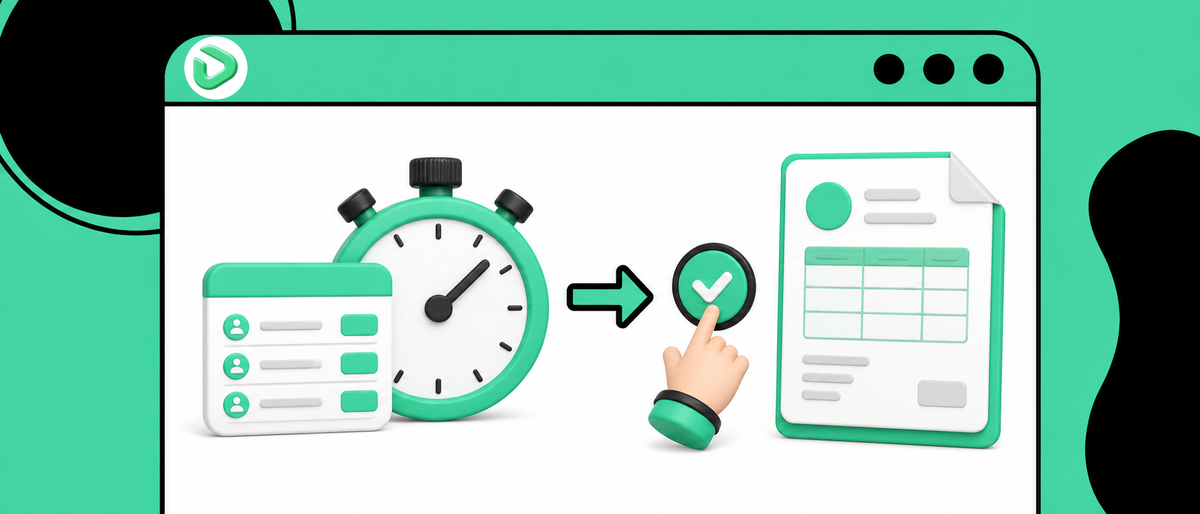
What this is about
Between "hours are tracked" and "invoice is sent" most freelancers have a CSV export and half an hour of copy-paste. In dVersum, tracked time turns into an invoice draft directly. Here is what runs automatically, and what we deliberately left manual.
The problem shows up at month end
The usual routine: you track all month in a time tracking tool. On the 30th you export a CSV, open it in Excel or Numbers, sort by client, sum the hours, retype the result into your invoicing tool. Then you create line items, check the rate, set the invoice date, export a PDF, write an email.
It is not endless work. Twenty minutes per client, maybe. The time is not really the issue.
The issue is the failure point in the middle. Every handoff loses context. The note "call about the color scheme, actually a scope change" lives in the time entry, not on the invoice. The entry you flagged as non-billable ends up in the total because a column shifted during sorting. When the client asks three weeks later what those 18 hours of UI design covered, you go looking in two systems.
There is a second gap that draws less attention. As long as tracked hours and the project budget live in separate tools, you discover an overrun at billing time. That is after the work, when the hours are already spent. A project quoted at 40 hours that lands at 52 was still rescuable at hour 35. At export time it is not.
How it works in dVersum
Time tracking and invoices sit in the same workspace, on the same projects and clients. A time entry knows its project, its client, its rate, and its billable flag from the moment you stop the timer.
A worked example. Project "Website Relaunch," rate €95.00 per hour. The project holds 16 time entries for the current month:
- Concept: 2.0 + 3.0 + 1.5 = 6.50 hours, three entries
- UI design: 4.0 + 3.25 + 2.5 + 3.0 + 1.5 + 2.0 + 2.0 = 18.25 hours, seven entries
- Calls and review: 1.0 + 1.5 + 0.5 + 1.0 = 4.00 hours, four entries
- Internal research: 2.0 + 1.5 = 3.50 hours, two entries, non-billable
Billable total: 28.75 hours. You open the project, pick the period, have dVersum build an invoice from the tracked time. What you get is a draft with three line items grouped by activity. Not 14 rows of individual timer sessions. The 3.50 research hours never surface, because the flag lives on the entry rather than in a column of an export file.
28.75 × €95.00 comes to €2,731.25 net. What goes on top depends on where your client sits: domestic VAT, reverse charge for EU business clients with a valid VAT ID, or no VAT outside the EU. You set that per client once instead of recalling it per invoice.
[IMAGE: Project time entries view with billable toggle, next to the invoice draft generated from it]
You can also tell Vero to do it instead of clicking through: "Create the invoice for Nordlicht from August's billable hours." Vero reaches 67 tools inside the workspace and builds the draft. It stays a draft, which matters, and I will come back to why.
The draft is negotiable. Rewrite line item text, merge rows, apply a discount, move the invoice date. Only on finalizing does the invoice get its number and become locked for audit purposes. After that it cannot be edited, only cancelled or corrected with a credit note.
From there, everything hangs off the same invoice. Sending it as a ZUGFeRD e-invoice for clients who require a structured format. Payment status. Four dunning stages if nothing arrives, including a suggestion for which stage this particular invoice is due for. At quarter end, the VAT summary and a DATEV export for your accountant. The client record shows what is still outstanding without you maintaining a second list.
[IMAGE: Finance Hub showing revenue vs expenses and the export options]
The decision behind it, and what it costs
We deliberately decided against automatic invoices from tracked time. There is no switch reading "on the first of the month, bill and send every billable hour." Building that would have been the smaller job.
The reason is uncomfortably concrete. An automatically sent invoice with a wrong line item costs more than ten minutes of review. It is locked, it has to be cancelled, the client has already seen it, and the correction lands in your books. Time entries are also unreliable by nature. People forget to stop the timer and book eight hours onto one morning. They track against the wrong project. They type "misc." into the description. Automation would turn exactly that state into binding documents, reliably, every month.
The price of the decision: you still click at month end. Roughly three minutes per client instead of zero. If you bill twenty clients a month and trust your tracked data, that reads as a step backward, and it is a fair objection. Recurring retainers do go out untouched through recurring invoices. Variable hours do not.
The second decision surfaces after a few weeks. Non-billable time still gets tracked, with a timer and a project like any other entry. It only disappears from the invoice, not from the reporting. In the example above that is 3.50 of 32.25 hours, close to 11 percent of the project effort that nobody pays for. Keeping that number visible was intentional. It is uncomfortable, and it is the only way to catch a mispriced quote before you repeat it in the next one.
The third decision is grouping. The draft consolidates entries by activity rather than listing every session. Clients do not read 14-line timer logs. An invoice that looks like a surveillance report invites questions that help nobody. If you need itemized proof, for a public sector client for instance, you attach it separately as an hours breakdown. That is a deliberate trade against documentation depth, and for a minority of users it is the wrong one.
What it does not do
dVersum is not accounting software. The Finance Hub prepares your VAT figures and exports to DATEV, but filing and the actual bookkeeping happen elsewhere. If you want one tool that handles taxes end to end, this is not it.
There is no automatic bank reconciliation. You record payments yourself, or they arrive through a connected integration. No bank link that matches incoming transfers to the right invoice and marks it paid on its own.
The Starter plan at €19/month covers one user, five projects, and 1 GB of storage. Five projects go fast with many small clients. The next sensible step is €39/month on Professional, with 25 projects and 10 GB.
Invoice locking surprises people coming from Word or Excel. A transposed digit in a finalized invoice cannot be quickly fixed. Intentional, defensible in an audit, and still feels like a bug the first time it happens.
There is no permanent free tier either. Seven days without a credit card, then a paid plan.
Who this fits
Good fit if you bill hourly or against project budgets, run several clients in parallel, and currently keep time tracking in a different tool than invoices. The value sits at exactly that seam. The more billing cycles you run per year, the clearer it gets, because the copy-paste block lands once per cycle.
Poor fit if you only invoice fixed fees with no relationship to time. You would be paying for a connection you never use, and a plain invoicing tool serves you better. I would not recommend dVersum in that case.
If you invoice without VAT under a small business exemption, nothing about the flow changes. The tax line drops out and the rest stays identical. In the example above the invoice would read €2,731.25 with no addition, carrying the required exemption note instead of a rate.
Agencies of three to ten people get an effect solo users never see. Hours from several team members land on the same project. The question "have we burned the budget" then answers itself during the project instead of at billing.
Wrapping up
The path from hour to invoice is shorter in dVersum because both sit on the same data. It is not fully automatic, and that is the real design decision. For binding documents, automation is the wrong default as long as the input comes from humans who forget the timer.
If you want to see how it behaves with your actual projects: seven days, no credit card.